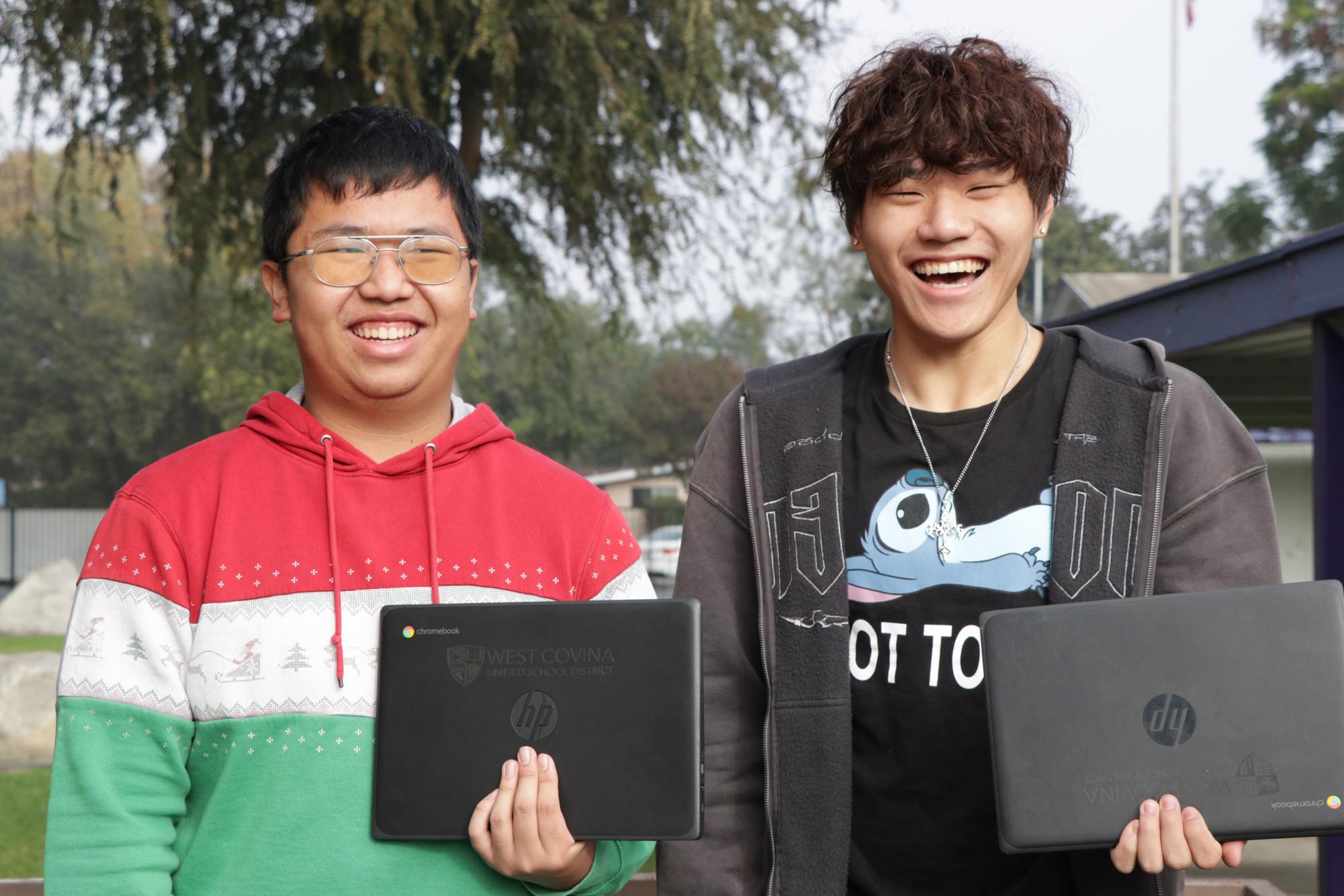

Some students at Mt. SAC Early College Academy (MECA) feel as if they’re being restricted by the technology here on campus.
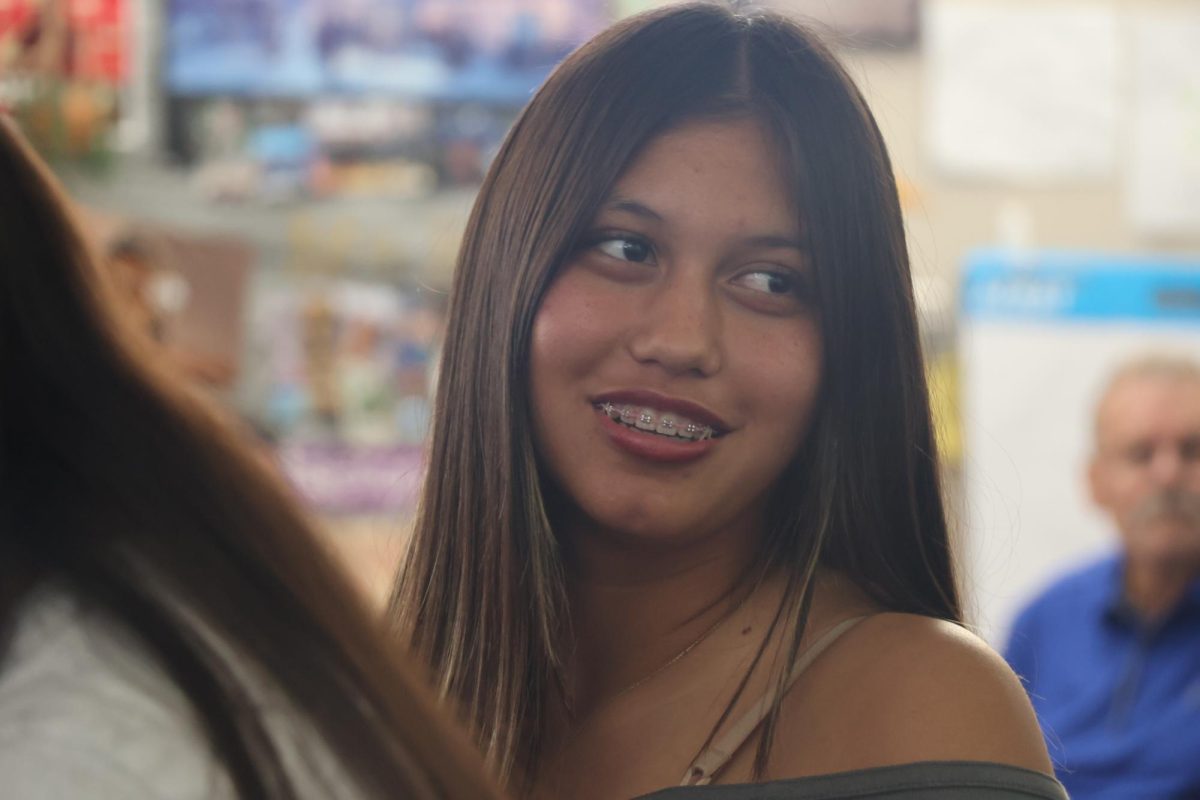
Genevieve Hijar, a junior, said, “I feel like there are a lot of restrictions for technology here at school. Especially since the district applies a lot of restrictions to what we can access.”
With the feeling of restrictiveness with the chromebooks, it makes school for some students more difficult than needed.
Thearose Garcia, a senior, said, “I couldn’t watch videos about my homework. I could open the website to access my homework, but I couldn’t watch the videos about my homework.”
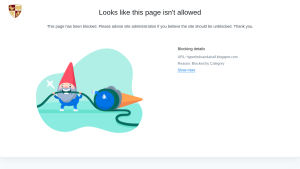
Other educational sites that have been blocked include the Creative Commons website (where students can find copyright-free images), the National Institute of Health, and even The Academy Chronicle site.
Sophomore Julian Puente even found that emails were restricted.
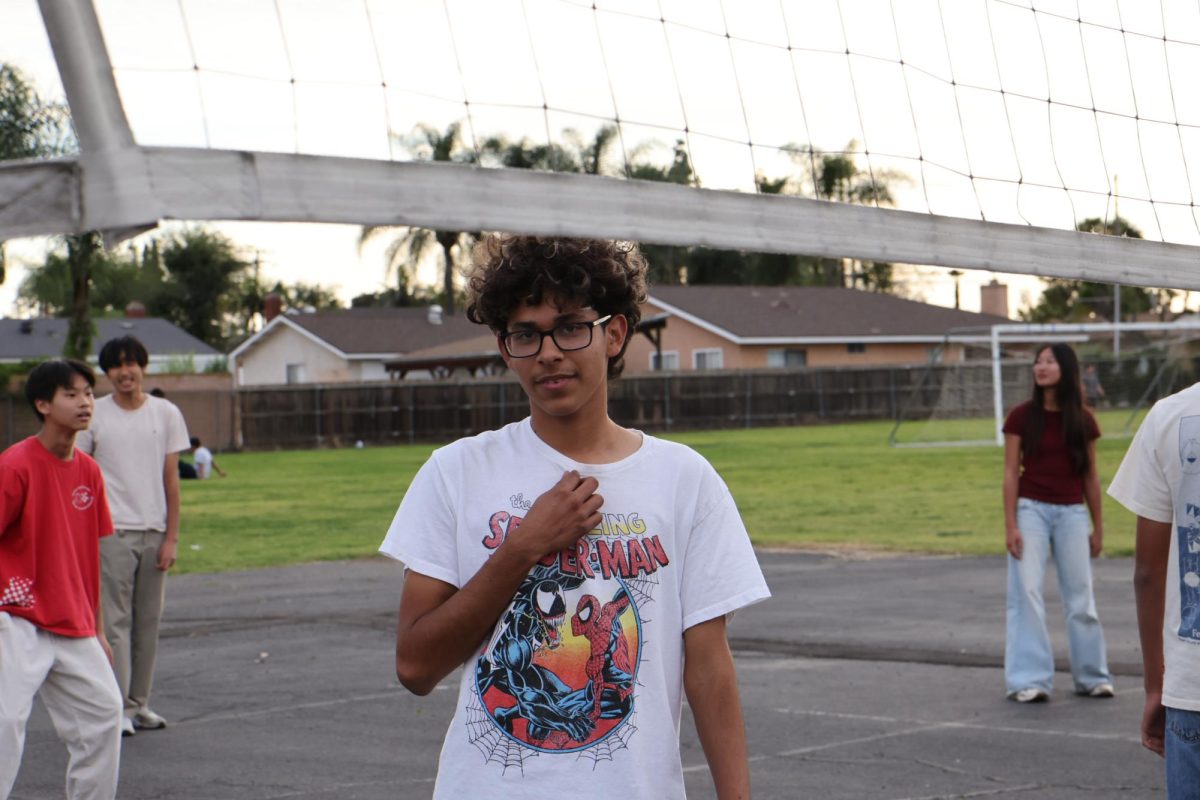
“I was trying to email different college admissions offices… and the emails didn’t go through,” he said.
Students have also found that they cannot send emails to teachers and other students with their personal emails.
Further, they cannot access all of the sites that they need for their school work, especially college classes. Students have noted that the website for the book Hyperbole and A Half, which is taught in English 1A, is blocked.
“It makes citing websites super difficult,” says Junior Charlie Zhu. “For like history for example, I was not able to access the majority of the websites I was using.”
Even with extra levels of protection for students, some students find potential security issues with their Chromebooks, especially with the passwords.
“Everybody’s logins for their email is exactly the same,” Hijar said, “and I feel like that’s kind of a security issue, because people that I was previously friends with know my birthday and know my school ID… I previously had my password changed to a password that I would remember… but they reverted that, and I can’t change my password again.”
Despite the worries of numerous students, the administration and some faculty on campus say the restrictions are here to protect students.
Bobby Sanchez, the media center clerk, said, “For the most part, our rules and our guidelines are to keep you guys and the district safe because when bad stuff gets into the computers, it can easily get into the district.”
However, with the issues the students raise about the technology plan for students, students may question why the district has these limits.
Current District Technology Plan
The members of the West Covina Unified School District’s technology department place a huge emphasis on how important technology is for everyone within the district.
“Technology is not an option, it’s how students learn, get assessed, and demonstrate knowledge of learning,” said Gabriel Rivera, the Chief Technology Officer.
He says that the district focuses on everyone having the technology that they need, whether they are a student or a staff member.
“Equity, technology for all of our students and access for all of our students. We want it to meet the needs of students and staff,” Rivera said.
The district also plans on making cybersecurity important for everyone involved.
“We make a focus on cybersecurity for all of the employees and student data,” Rivera said.
Their plan is also to make it reliable for every student involved.
“We want students to have great reliable devices, network equipment, and platforms for all of our students,” Rivera said.
But how does their philosophy in the current district technology plan lead to the restrictions that some students see on their Chromebooks?
The Reasons for the Restrictions on Technology
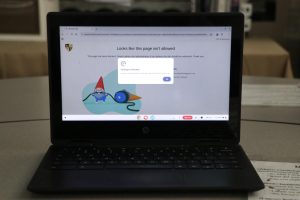
As the district provides access to technology for students, they know that there are restrictions for the Chromebooks, but the restrictions aren’t meant to stop students.
“There are restrictions, but they’re not intended to limit creativity. The intent of some of those restrictions are to make sure those students are safe and that the equipment continues to work for all of the learning opportunities,” Rivera said.
Even so, they also have to follow the rules of the state and federal government.
“One of the rules we have to follow is to make sure the students have a content filter so that students aren’t exposed to harmful things on the internet,” Rivera said.
These can be restrictions, like blockers that many students see for websites. They use systems, like Securly, to do the work for them.
“It’s very difficult for a single person to review all of that,” Rivera said. “There’s a process within the system that ensures whether this is good for the students or not. Most of the time, it’s accurate.”
However, the blocker can target non-problematic content, as seen with some of the educational sites that are useful for a multitude of classes on this campus.
“If it blocks incorrectly, we recommend working with your teacher to show them that it has a value for students and to request that it be open,” Rivera said, “After, we get a notification that we’re looking to review a website. [Jennifer] Crabtree, [the Coordinator Education Tech & District Learning], helps to review to make sure it has good learning material, and then we unblock it.”
Part of the limits on the student’s Chromebook are also the settings app being restricted. However, the district has reasons for blocking students from using the settings application.
“Some of it is to make sure the equipment is maintained properly. Another reason is if there are any bad guys that log into our system and get a hold on one of [the student’s] devices,” Rivera said, “They won’t be able to make changes because only certain people have access to those settings.”
Security Issues and Classlink
Students still raise certain concerns, such as the alleged inability to change the passwords. But Rivera has a workaround for this.
“It’s a concern we have started to address,” Rivera said, “but Classlink does have the ability to allow students to reset passwords.”
Classlink is an educational platform that the district uses. The district uses this due to it being a good single entry point for all students and employees.
“Classlink is a big tool that automatically creates accounts for students,” Rivera said, “The other thing it does is provide a single sign-on support. If you have a district account, it [also] automatically signs into other accommodations and acts as a launchpad.”
If any students have issues with the technology, they could also report any of the issues to the district.
“If [students] do have concerns with their passwords, they can also go to the library media center and they can request a password reset with the librarian,” Rivera said.
Reporting to the District
The district acknowledges how important the librarian’s role is for WCUSD and for reporting to the tech team.
“Every school has a media center with a librarian,” Rivera said, “You can go to that person with any technical issues.”
By going to the librarian, or in this case, the media center clerk Bobby Sanchez, they can fill out a work order so that the tech team can figure out the problem and fix it.
“The work order is an online system where the librarian logs into the system, describes the problem the student is having, and then there’s a button to submit the order,” Rivera said. “It is routed electronically to my department. The work order is opened by a technician, and they start trying to fix the problem.”
Ultimately, the district believes it has the same goal as students and staff.
“We want technology to help students and help adults so that technology doesn’t get in the way of their learning and working,” Rivera said.
As Marc Trovatore, the Director of Secondary Education, said, “I think it’s good you have initiated and had the conversation and whatnot. Moving forward, feel free to talk to your principal if there are any other questions that arrive because he can reach out on behalf of students and [on] our behalf.”